Never forget a keyboard shortcut again
Keylume lives in your menu bar and coaches you on shortcuts as you work. Hold right ⌘ to see every shortcut. Use the mouse, and Keylume nudges you toward the faster way.
macOS 14+ Sonoma · Free 14-day trial
How Keylume makes you faster
Three features that work together to build your keyboard shortcut habits.
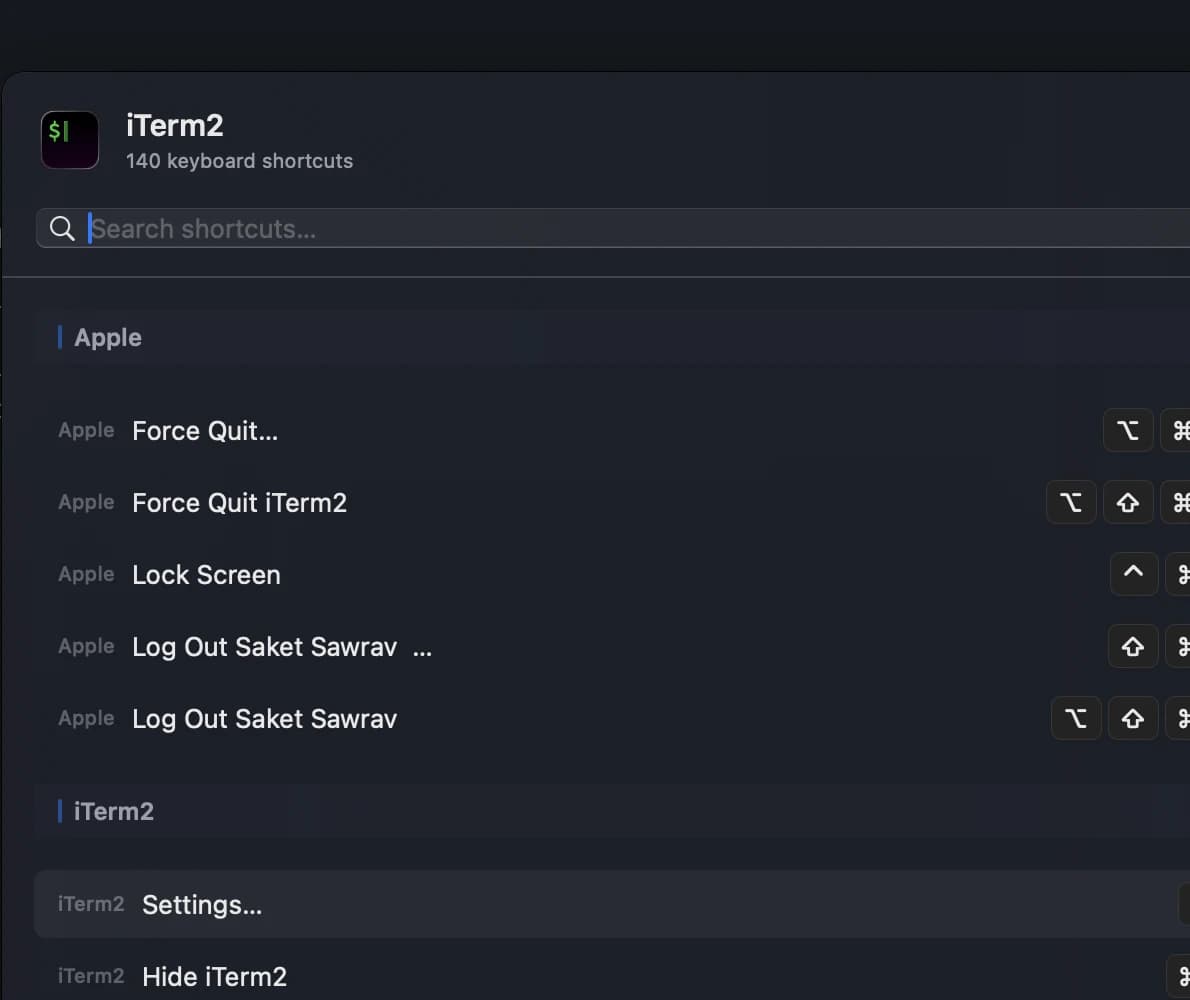
Shortcut Overlay
Hold right ⌘ to see every keyboard shortcut for the active app. The overlay reads your menu bar in real time — no manual configuration needed.

Coaching Nudges
Click a menu item with your mouse, and Keylume shows a gentle toast: "Use ⌘N instead." Over time, you build muscle memory without thinking about it.
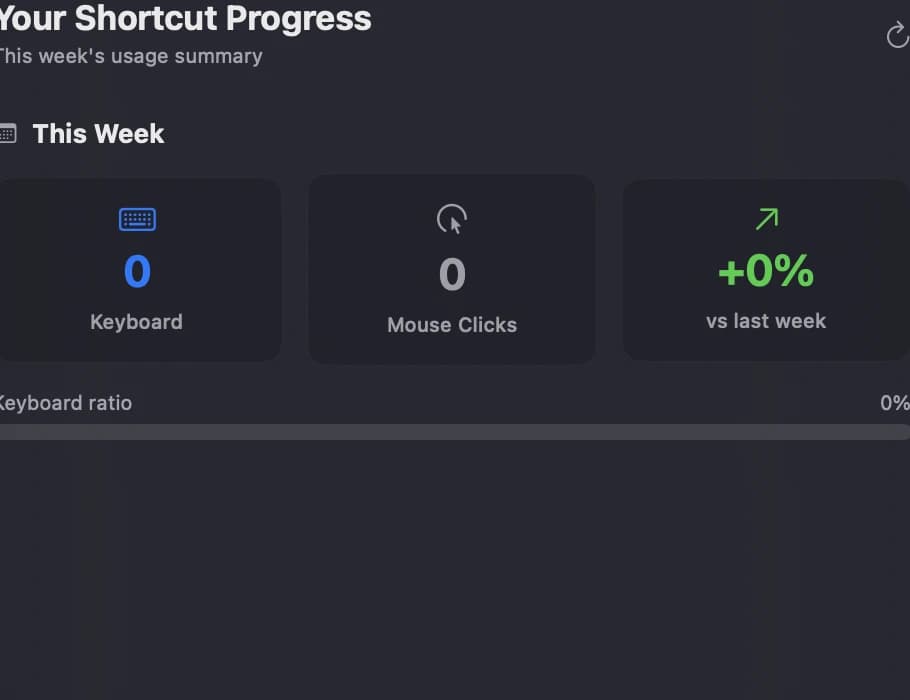
Usage Analytics
Track how your shortcut usage improves over time. See which shortcuts you've adopted and which ones still need practice.
Up and running in 30 seconds
Install Keylume
Download and drag to Applications. It lives in your menu bar.
Grant accessibility access
Keylume needs accessibility permissions to read your menu bar and detect shortcuts.
Start working
That's it. Keylume watches your workflow and coaches you automatically.
One-time purchase
Pay once, use forever. No recurring fees.
- 14-day free trial
- 3 Macs per license
- Free updates forever
- No subscription
Frequently asked questions
Keylume is a macOS menu bar app that helps you learn keyboard shortcuts for any app. It reads your menu bar in real time, shows an overlay of available shortcuts, and gently coaches you when you use the mouse instead of a shortcut.
Yes. Keylume needs accessibility access to read menu bar items and detect when you click menus. It never logs keystrokes or sends data off your Mac — everything stays local.
Keylume is fully functional for 14 days with no payment required. After that, you can purchase a license for a one-time fee of $12 to keep using it.
Keylume works with any macOS app that exposes its shortcuts through the standard menu bar. This includes most native and Electron-based apps — Finder, Safari, VS Code, Figma, Slack, and hundreds more.
Yes. A single license covers up to 3 Macs. If you need more, just reach out.
Download Keylume
Try free for 14 days. No account required.
Download for macOSVersion 1.1.2
Requires macOS 14.0 (Sonoma) or later
Universal binary — Apple Silicon & Intel